Your Focus

Find out how Bloom Intranet fits your company, whatever your role.

WHITE PAPERThe importance of personalisation in internal communicationDownload

Explore the New Backup and Restore Functionality

We’re pleased to introduce a significant enhancement to our digital workplace solution – the Backup and Restore feature. This addition is aimed at providing administrators with a practical and straightforward toolset for managing their Bloom Intranet installations. Let’s delve into the details!

Backup an Bloom Intranet installation

This feature allows administrators to create a comprehensive backup of their Bloom Intranet installation within a specified site collection. The backup includes:

  • Configuration Settings: Capture all configuration settings associated with your installation.
  • Resources Stored in Libraries and Lists: Back up resources stored in libraries and lists.
  • Shared Boards (if applicable): Preserve collaborative efforts with shared boards.
  • Installed Widgets Configuration: Secure the configuration of all installed widgets.

Note: Personal boards and settings are intentionally excluded from the backup.

Restore an Bloom Intranet installation

Admins can restore an Bloom Intranet installation from a previously generated backup file.

💡 Tip: Useful for transferring configurations between different environments, such as from an acceptance to a production environment.

Moving configurations between environments

Beyond data preservation, this feature serves as a pragmatic tool for administrators managing transitions across diverse environments. Moving configurations between environments, like from an acceptance environment to production, becomes a straightforward process with the Backup and Restore feature.

In conconlusion

In conclusion, the Backup and Restore feature for Bloom Intranet is a functional addition aimed at simplifying the management of installations. It is tailored to meet the practical needs of administrators.

Stay tuned for more updates as we continue to refine the functionality of Bloom Intranet, keeping your user experience efficient and straightforward. Your feedback is always valued!
Stay in the Loop

Related posts

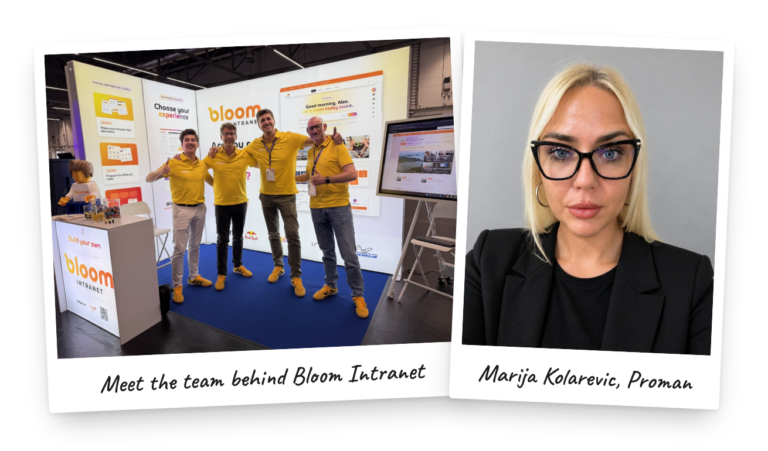
Hear how Proman rolls out one digital workplace across its group

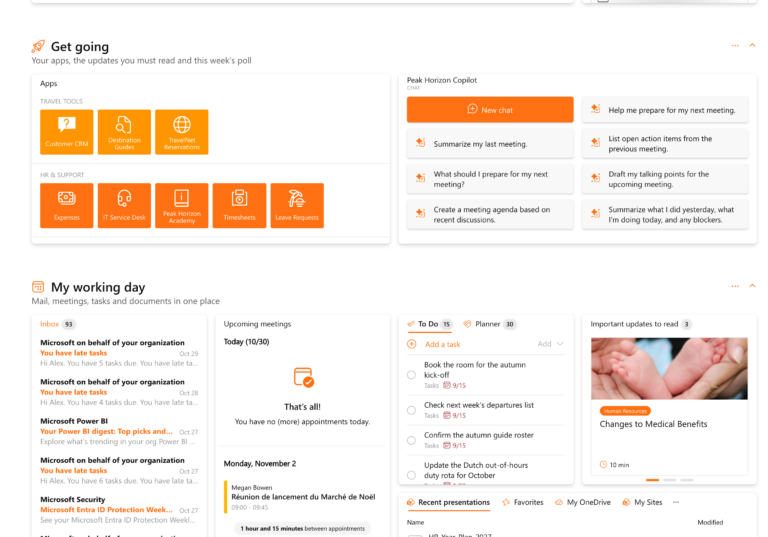
A Bloom Hub board with the sections Get going and My working day, each with its own title, icon and subtitle

Group your widgets in sections, under titles of your own

Bloom Intranet and tecSolutions, partners from Rotterdam and Graz and Vienna

Ichicraft welcomes tecSolutions as partner

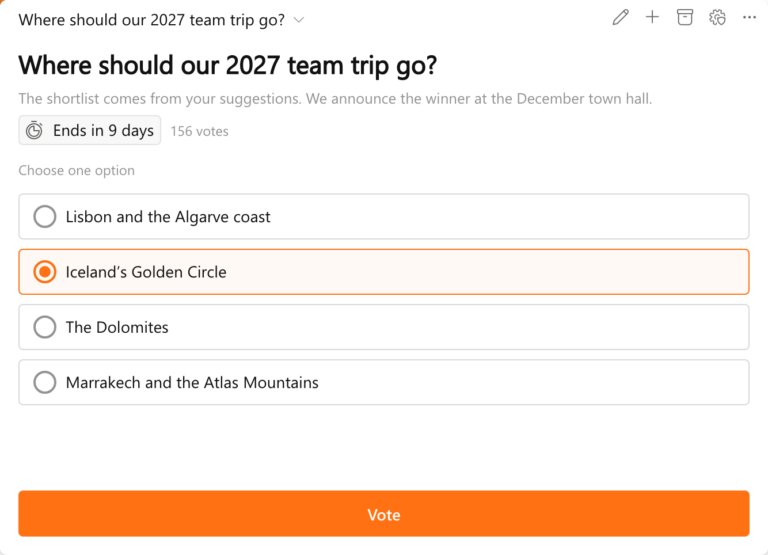
The Polls widget with the question Where should our 2027 team trip go?, four destinations to choose from and Iceland's Golden Circle selected

Ask your colleagues a question and see the results come in live