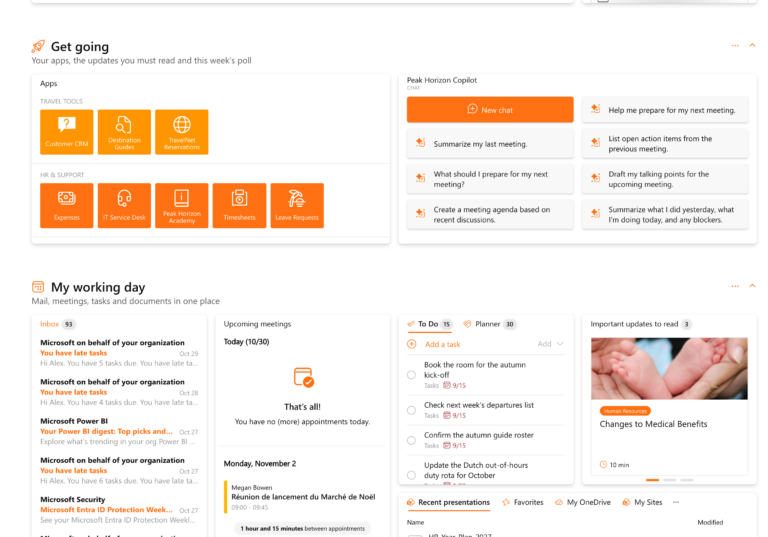
The Buddy Bar is a new enhancement designed to give you a more streamlined, customizable way to interact with your essential tools. By placing widgets (referred to as “buddies”) directly in the header, you free up valuable space on your board. Instead of having multiple widgets occupying permanent on-screen real estate, they’re now just a click away—leaving your workspace tidier and more focused on what matters most.
Relevant, On-Demand Information
Widgets in the Buddy Bar appear as simple icons, and if there’s a number that needs your attention—such as pending tasks or unread messages—it displays a badge count. If a widget doesn’t have any updates, it stays unobtrusive, showing only its icon. This ensures that you only see what’s relevant, when it’s relevant, without cluttering your screen.

Moving Widgets to the Buddy Bar and Resizing
Moving widgets to the Buddy Bar is easy: simply use the widget’s menu in its header to transfer it from the board to the Buddy Bar. Once there, you can open it in a resizable flyout panel—adjusting the view so it’s just the right size for the information at hand. Your preferred size is saved, so you’ll always get the optimal view going forward.

Rearrange Buddies
Beyond resizing, you can also rearrange the order of your buddies. This means you can prioritize the widgets you use most, placing them front-and-center for quick access. With just a few clicks, you have full control over how your top-level tools are organized, making it even easier to navigate your digital workspace.

Admin Configuration and Audience Targeting
Administrators can determine which widgets are available in the Buddy Bar for different audiences through Configuration Packages. They can pin certain widgets to ensure they’re always visible to the entire team, or assign others only to specific user groups. This level of targeting ensures that each department or role sees exactly the tools they need—no more, no less.

A More Efficient, Personalized Workspace
The Buddy Bar consolidates your tools in one accessible location, shows only what’s important at a glance, and gives you control over how widgets are ordered and displayed. It’s all about making your digital workplace more responsive, adaptable, and clutter-free. Best of all, this update will be available starting on Friday, December 13, so you can soon experience a cleaner, more flexible way to engage with your widgets.